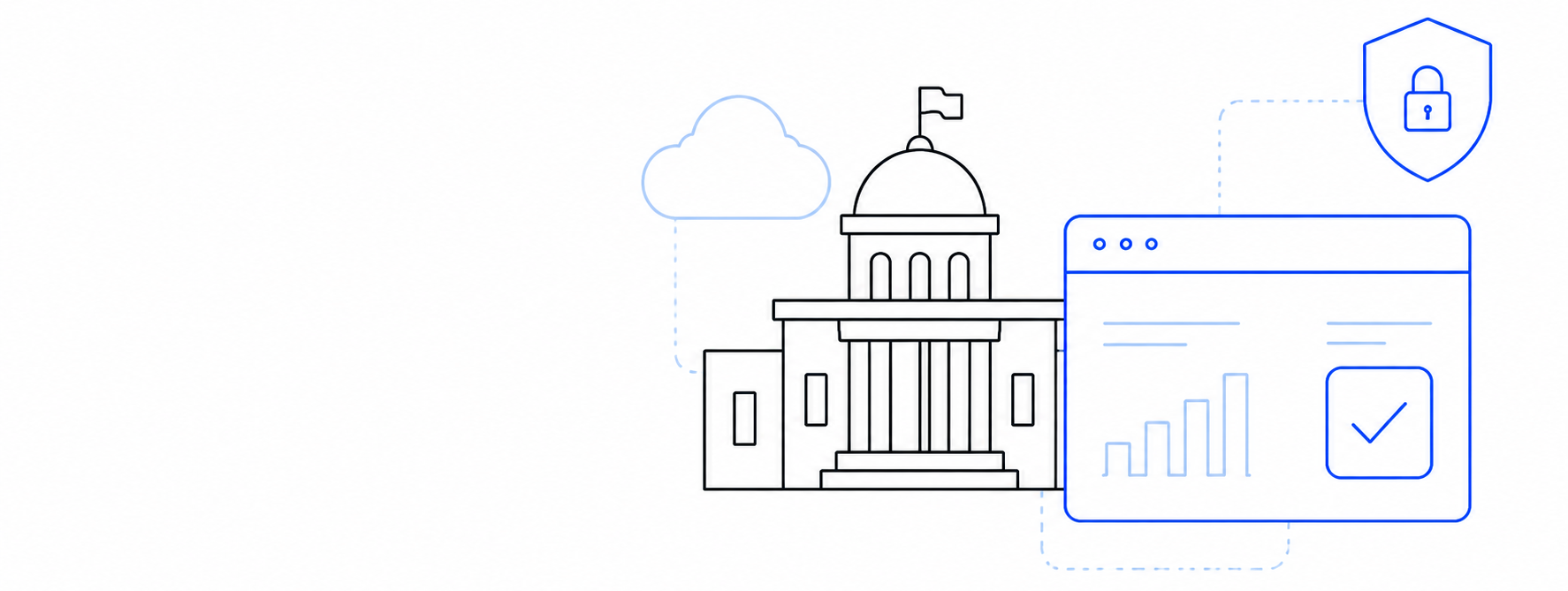
Key steps to upgrade government legacy software:
- Comprehensive architectural & compliance audit.
- Decoupling data with secure integration APIs.
- Phased module migration (Strangler pattern).
- Automated rollback testing and final cutover.
How to upgrade legacy government applications has become one of the most important questions facing public sector organizations as they modernize critical digital services while maintaining security, regulatory compliance, and uninterrupted access for citizens. Government agencies around the world continue to depend on applications that were developed many years ago and have gradually become deeply embedded in everyday operations. These systems support services that millions of citizens rely on, including tax administration, licensing, healthcare, public safety, social programs, and internal government processes. Although many of these platforms have proven reliable over decades of use, they often struggle to meet today’s expectations for security, performance, integration, and digital service delivery.
Understanding how to upgrade legacy government applications requires more than replacing outdated technology. Every modernization initiative must preserve historical data, protect essential public services, comply with government regulations, and provide a practical migration path that minimizes operational risk. A successful modernization strategy focuses on reducing operational risk while creating a technology foundation that will remain sustainable for many years. Organizations planning large-scale modernization initiatives can benefit from a structured Legacy Modernization strategy that balances technical improvements with long-term business objectives.
Key Challenges of Government Application Modernization
- Requirement Why It Matters
- Auditability Every action may need to be traceable
- Data retention Records may need to be preserved for years
- Security compliance Public-sector regulations often exceed private-sector standards
- Accessibility Services must be usable by all citizens
- Procurement constraints Projects often require phased delivery and documentation
- Multi-agency integration Systems rarely operate in isolation
Start with a Full Assessment
Every modernization initiative should begin with a detailed understanding of the existing environment. Government organizations typically operate dozens, even hundreds, of interconnected applications. Many of those have evolved over decades through incremental updates and custom integrations.
A thorough assessment identifies business-critical functions, technical dependencies, infrastructure limitations, security vulnerabilities, licensing issues, and maintenance costs. It also helps determine which components continue to deliver value and which have become obstacles to future development. Having this visibility allows decision-makers to prioritize investments based on business impact rather than assumptions.
Understand the Business Processes Behind the Software
Legacy systems usually reflect years of institutional knowledge and operational experience. Many workflows have been refined over time to comply with legislation, internal policies, and public service requirements. Organizations that want to understand how to upgrade legacy government applications successfully should first examine the business processes those applications support. Before replacing or redesigning any functionality, project teams need to understand why these processes exist, how they have evolved over time, which departments rely on them, and what impact they have on the delivery of public services.
Many government applications contain business rules that were introduced to address specific legal, regulatory, or operational requirements and may no longer be fully documented. Some workflows also include manual steps or integrations that employees have relied on for years, making them essential parts of everyday operations despite their technical limitations. Identifying these dependencies early helps modernization teams avoid unexpected issues during implementation and ensures that critical functionality is preserved throughout the transition.
Engaging department leaders, technical staff, and end users throughout the discovery phase helps reveal business rules that may never have been documented. Workshops, interviews, process mapping sessions, and user feedback often uncover hidden dependencies that would otherwise remain invisible during technical analysis alone. This collaborative approach reduces the likelihood of introducing disruptions after deployment, improves stakeholder confidence, and ensures that modernization enhances the user experience while preserving the capabilities that public sector organizations depend on every day.
How to Upgrade Legacy Government Systems: A Step-by-Step Guide
Big government software updates almost never happen overnight—and honestly, they shouldn’t! The most successful modernization projects are broken down into manageable phases. This keeps things from getting overwhelming and lets teams test, learn, and prove value before taking on bigger parts of the project.
A solid modernization roadmap helps you map out the journey:
- Where to start: Deciding which applications to modernize first.
- Keeping systems talking: Ensuring old and new tools communicate smoothly during the transition.
- Handling the data: Moving information safely without disrupting everyday operations.
- Tracking progress: Setting clear milestones that must be met before advancing to the next stage.
Taking a phased approach isn’t just safer—it also makes budgeting far more predictable and gives leadership clear, measurable wins to celebrate along the way.
Modernization Approaches
- Approach Best For Advantages
- Rehosting Stable applications Fast migration with minimal changes
- Replatforming Infrastructure upgrades Better scalability without major redevelopment
- Refactoring Frequently evolving systems Improved maintainability and flexibility
- Rebuilding Obsolete applications Modern architecture and better user experience
- Replacing Commodity software Lower maintenance costs
Modernize the Architecture Gradually
Many government platforms continue to operate on monolithic architectures that have become increasingly difficult to maintain as new requirements emerge. Modern architectures based on APIs, modular services, and cloud-ready infrastructure provide greater flexibility and simplify future development. Microsoft’s guidance on application modernization provides practical architectural patterns for gradually evolving enterprise applications.
Introducing these architectural improvements gradually allows agencies to modernize individual components without replacing the entire platform. Existing functionality can continue serving users while new services are introduced in a controlled and manageable way. This incremental approach minimizes operational risk and allows development teams to respond more effectively to changing government priorities.
Organizations that understand how to upgrade legacy government applications successfully usually adopt an incremental approach that reduces operational risk while allowing existing services to remain available throughout the modernization process.
Prioritize Data Quality and Migration
Government organizations manage enormous volumes of historical information that often span decades. Citizen records, financial transactions, legal documents, healthcare information, and administrative data must remain complete, accurate, and accessible throughout the modernization process.
Successful data migration begins long before the first record is transferred. Data quality should be evaluated, inconsistencies identified, duplicate records removed, and validation procedures established. Comprehensive testing ensures that migrated information remains accurate and continues to support business operations without interruption.
Strengthen Security Throughout the Project
Cybersecurity should remain a continuous priority from the earliest planning stages through final deployment. Modernization creates an opportunity to strengthen identity management, improve access controls, implement stronger encryption, enhance monitoring capabilities, and reduce technical debt that may have accumulated over many years.
Government agencies also need to ensure compliance with national regulations, industry standards, and internal security policies. Regular security assessments, penetration testing, and code reviews help identify vulnerabilities before systems enter production. The Cybersecurity and Infrastructure Security Agency (CISA) also publishes practical recommendations for securing critical infrastructure and government systems.
Modern security practices are often implemented as part of broader Government Digital Solutions initiatives that improve resilience, compliance, and service delivery. Government agencies should follow established cybersecurity guidance such as the NIST Cybersecurity Framework.
Prepare Employees for the Transition
Technology alone does not determine the success of a modernization initiative. Government employees interact with these systems every day, and their ability to adopt new tools has a direct impact on operational efficiency and service quality.
Training programs, documentation, pilot deployments, and ongoing support help employees become confident with updated workflows. Collecting feedback throughout implementation also allows organizations to identify usability issues early and make continuous improvements before wider rollout.
Measure Results After Deployment
Modernization should deliver measurable improvements that extend beyond replacing outdated technology. Agencies should monitor application performance, system availability, security metrics, maintenance costs, user satisfaction, and service delivery times after implementation.
Tracking these indicators demonstrates the value of modernization investments while providing insight for future improvement initiatives. Continuous monitoring also enables organizations to respond quickly as business requirements, regulations, and technology continue to evolve.
Best Practices for How to Upgrade Legacy Government Applications
- Modernize incrementally instead of replacing everything at once.
- Keep business users involved throughout the project.
- Automate testing whenever possible.
- Prioritize security from the beginning.
- Measure outcomes continuously.
- Document architectural decisions.
Common Mistakes
Common Mistakes When Upgrading Legacy Government Applications
- Underestimating data migration complexity
- Ignoring end-user training
- Modernizing technology without improving business processes
- Delaying security reviews until the final stages
- Attempting a complete replacement in a single phase
Conclusion
Learning how to upgrade legacy government applications also helps public sector organizations make better long-term technology decisions and avoid costly redevelopment projects in the future.
Many organizations also combine modernization projects with Enterprise Software Development to build scalable applications that continue supporting future digital transformation initiatives.
Knowing how to upgrade legacy government applications is essential for government agencies that want to improve security, operational efficiency, and long-term sustainability while continuing to deliver reliable public services.
Rather than viewing modernization as a single project with a fixed endpoint, government agencies achieve the best outcomes when they establish an ongoing process of continuous improvement that keeps critical systems secure, maintainable, and ready to support the evolving needs of citizens and public sector organizations.
Continue Reading
If you’re planning a modernization project, you may also find these resources helpful:
- Legacy Modernization Services – Learn how we modernize enterprise applications using an incremental, low-risk approach.
- Legacy Modernization in Government: A Step-by-Step Path for Public Sector Systems – strategic approach to legacy modernization in government
- Government Digital Solutions – Explore our approach to building secure and scalable software for public sector organizations.