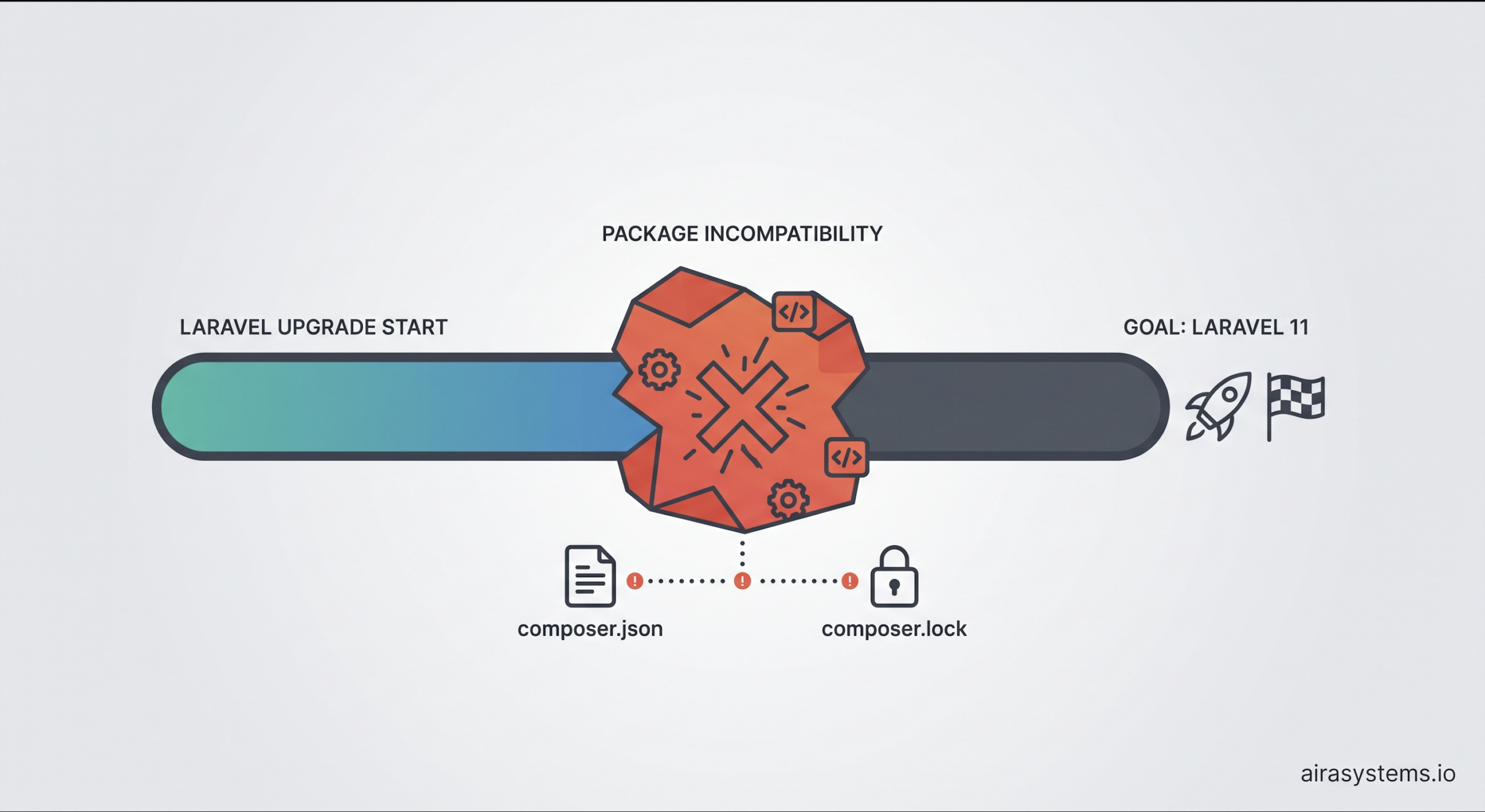
“Let’s upgrade Laravel” sounds like a straightforward task. Until you open composer.json. A legacy project can be running perfectly on Laravel 7 or 8, but upgrading to a modern version can expose a whole chain of compatibility problems.
Here are some of the most common ones with Laravel Legacy Upgrade .
1. A package used by the old project is not compatible with the new Laravel
This is probably the most frustrating scenario. The application uses a package that was perfectly fine on Laravel 8:
Laravel 8
└── package-x 2.4
You upgrade to Laravel 11:
Laravel 11
└── package-x 2.4 ❌
Composer refuses to install it because the package requires an older version of illuminate/*.
Now you have to choose:
- find a newer version;
- replace the package;
- fork and maintain it yourself;
- or postpone the Laravel upgrade.
And sometimes the package is abandoned, so there is no upgrade path at all.
2. Composer dependency conflicts in Laravel Legacy Upgrade
One upgrade can expose conflicts several levels deep.
For example:
Laravel 11
   ↓
requires Symfony 7
   ↓
Package A requires Symfony 6
   ↓
Package B requires Package A
Composer can’t satisfy all these requirements. The frustrating part is that the package causing the problem may not be something you directly use. It can be a dependency of another dependency. That is where a simple framework upgrade turns into dependency archaeology.
3. composer.lock can keep the old dependency tree
You update composer.json:
"laravel/framework": "^11.0"
But Composer still reports conflicts because composer.lock contains versions from the old application. The lock file represents the dependency tree that was previously resolved.
So sometimes you need to update not just Laravel, but a carefully selected group of related dependencies — without blindly deleting composer.lock and hoping for the best.
4. The new Laravel version requires a newer PHP
For example:
Old application
Laravel 8
PHP 7.4
becomes:
Laravel 11
PHP >= 8.2
But upgrading PHP can expose another layer of problems. Some old packages may no longer support PHP 8.2. So the dependency chain becomes:
Laravel upgrade
      ↓
PHP upgrade
      ↓
old packages become incompatible
      ↓
packages need upgrading/replacing
      ↓
application code needs changes
5. The package has a new version — but its API changed
This one is easy to underestimate. You find a compatible version and Composer installs it successfully. Great.
Except the old code:
SomePackage::process($data);
may now require:
SomePackage::process($data, $options);
or the method may have been renamed, removed, or changed its return type. So: Composer success ≠ application success.
6. Symfony upgrades can affect Laravel applications
Laravel relies heavily on Symfony components. When Laravel moves to newer Symfony versions, custom code or packages built around older Symfony behavior can break. This is especially relevant for projects with custom integrations, HTTP handling, console commands, mail, events or filesystem functionality.
7. Flysystem upgrades can break filesystem integrations
A good example is the move to Flysystem 3. An old application may have:
Laravel
└── Flysystem 1/2
    └── custom storage adapter
After upgrading:
Laravel
└── Flysystem 3
    └── old adapter ❌
The Laravel application itself may be compatible, but a custom adapter or package built around the old Flysystem API may not be.
8. Authentication packages have their own upgrade paths
Laravel Passport, Sanctum, Socialite and other ecosystem packages don’t necessarily move in lockstep with Laravel. You can end up with:
Laravel → new version
Passport → old version
      ↓
incompatible dependencies
Or you can upgrade Passport and then discover that authentication flows, configuration or database migrations need changes.
9. Migrations from packages can change
This is another subtle one. A package can be installed correctly but its database setup may work differently in a newer version. You upgrade the package, deploy the application and suddenly discover that expected tables, columns or indexes aren’t present. This is why package upgrades need to be treated as application changes — not just Composer changes.
10. PHPUnit and the test suite can become another migration
The production code may still look fine. Then you run:
php artisan test
and half of the test suite fails. Why? Because Laravel’s supported PHPUnit versions change over time, and PHPUnit itself removes deprecated APIs. So upgrading Laravel can mean upgrading:
Laravel
+
PHP
+
Composer packages
+
PHPUnit
+
test code
11. Configuration and application structure can change
A newer Laravel version may introduce a different default structure or configuration approach. The temptation is to take a fresh Laravel installation and copy everything into the old project. That’s often a bad idea. A legacy application has years of custom configuration, middleware, service providers and integrations. The goal isn’t to make the old application look like a fresh Laravel installation. The goal is to move the existing application safely to the new framework version.
And this is what makes Laravel upgrades difficultThe problem is rarely:
“How do I install Laravel 11?”
The real problem is:
“Which parts of this 7-year-old dependency tree can actually move to Laravel 11 without breaking the application?”
Before upgrading, I would want to know:
- Which packages block the upgrade?
- Which packages are abandoned?
- Which packages need replacement?
- Which PHP version is required?
- Which Symfony/Flysystem versions will change?
- What does
composer.lockcurrently pin? - Which APIs have breaking changes?
- Which database migrations are affected?
- Will the existing test suite still run?
- Which business-critical flows need regression testing?
Because in a legacy Laravel application, the upgrade path is often more complicated than the upgrade itself.
What has been the biggest Laravel upgrade blocker you’ve encountered — an incompatible package, Composer conflicts, PHP, or something else?
Read more:
– Legacy Modernization in Government: A Step-by-Step Path for Public Sector Systems